
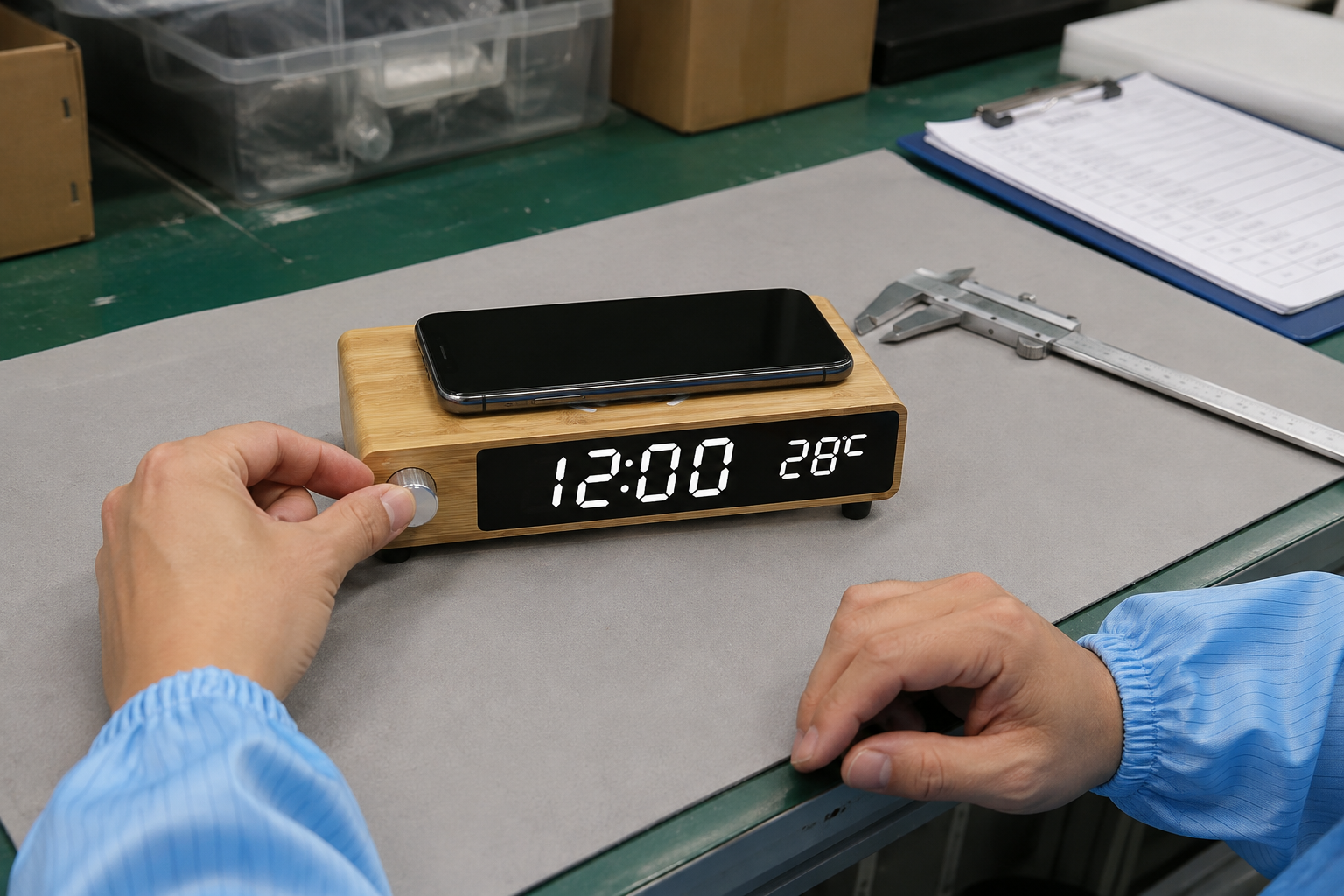
W106 Wireless Charging Clock OEM: Pre-Shipment Inspection Plan
Build a pre-shipment check around the approved W106 model, its 15W charging setup, display, knob, finish, accessories, packaging and traceable evidence.
Build the Inspection Around the Approved W106
A W106 bamboo wireless charging clock pre-shipment inspection should answer one practical question: does the finished order still match the product, configuration and presentation the buyer approved? A final check is more useful when it refers to one model revision instead of a general list for every charging clock.
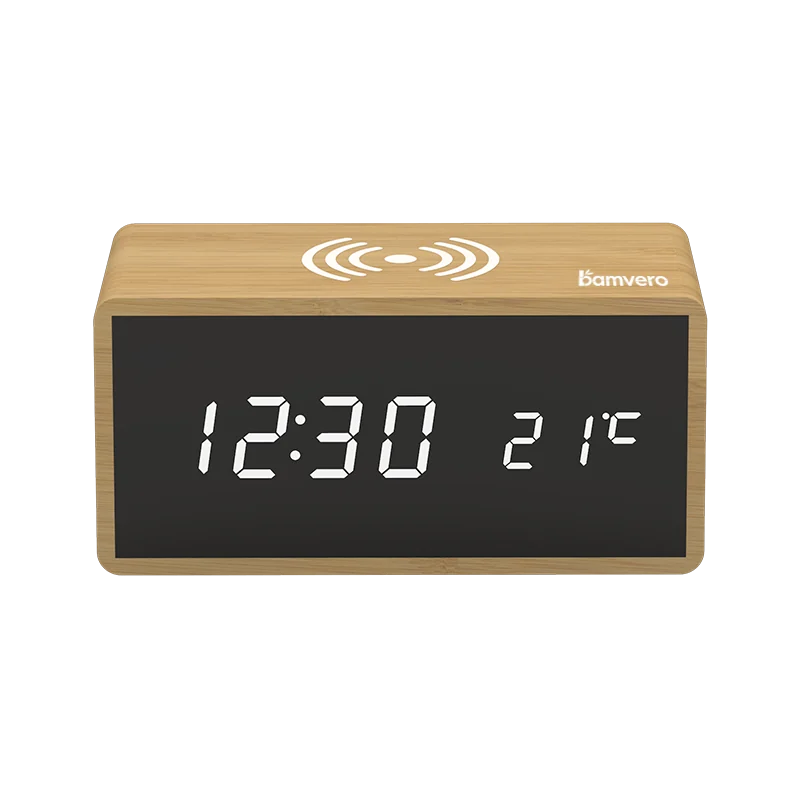
Use the W106 bamboo wireless charging clock page to identify the low rectangular body, top charging area, black front display, side metal knob and anti-slip feet. Keep the signed sample, specification sheet, artwork proof, packaging file and inspection record under the same model name, even when the project also compares the wider wireless charging clock range.
Confirm Quantity, Revision and Sampling Scope
Before opening cartons, compare the purchase order, packing list and carton marks. The inspection brief should state the ordered quantity, selected color or finish, logo version, manual language, included accessories and any approved production change.
Agree on the sampling method and acceptance limits before the inspection date. These limits depend on the buyer's requirements and should not be invented after defects are found; the report should separate critical functional issues, visible workmanship issues and packaging observations.
Inspect the Bamboo Finish and Physical Details
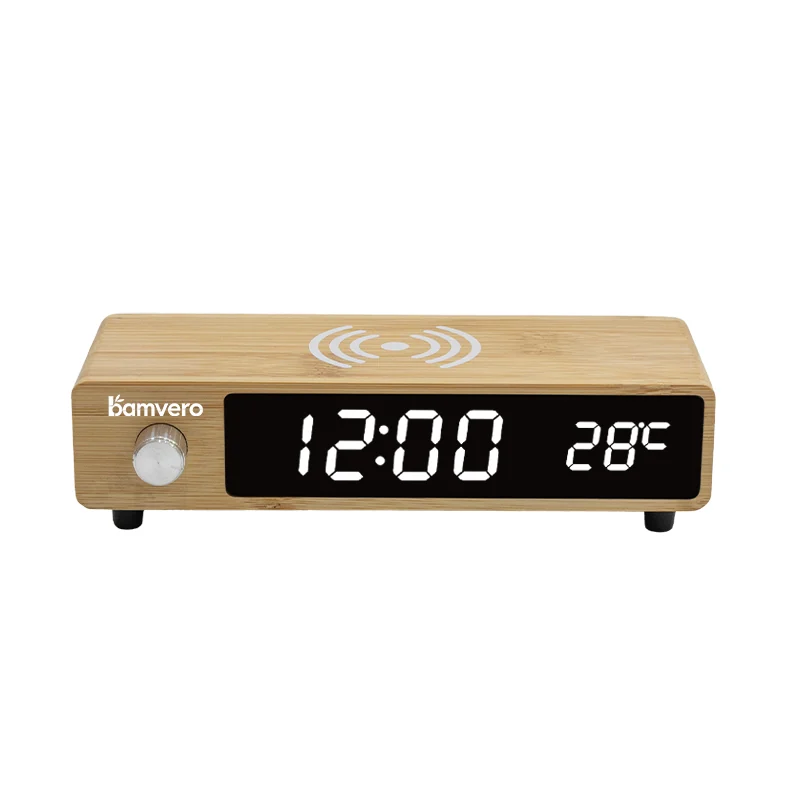
The confirmed W106 size is 180 × 76 × 48 mm and the product page describes a natural bamboo body. Check dimensions on the agreed sample quantity, then review visible grain, tone, joints, front-window alignment, knob fit and the way the four feet contact a flat surface.
Natural bamboo appearance can vary, so the approval record needs a practical acceptable range. Photograph representative units under neutral light and compare them with the signed reference rather than rejecting every difference or accepting marks that were never discussed.
Run a Defined 15W Charging Check
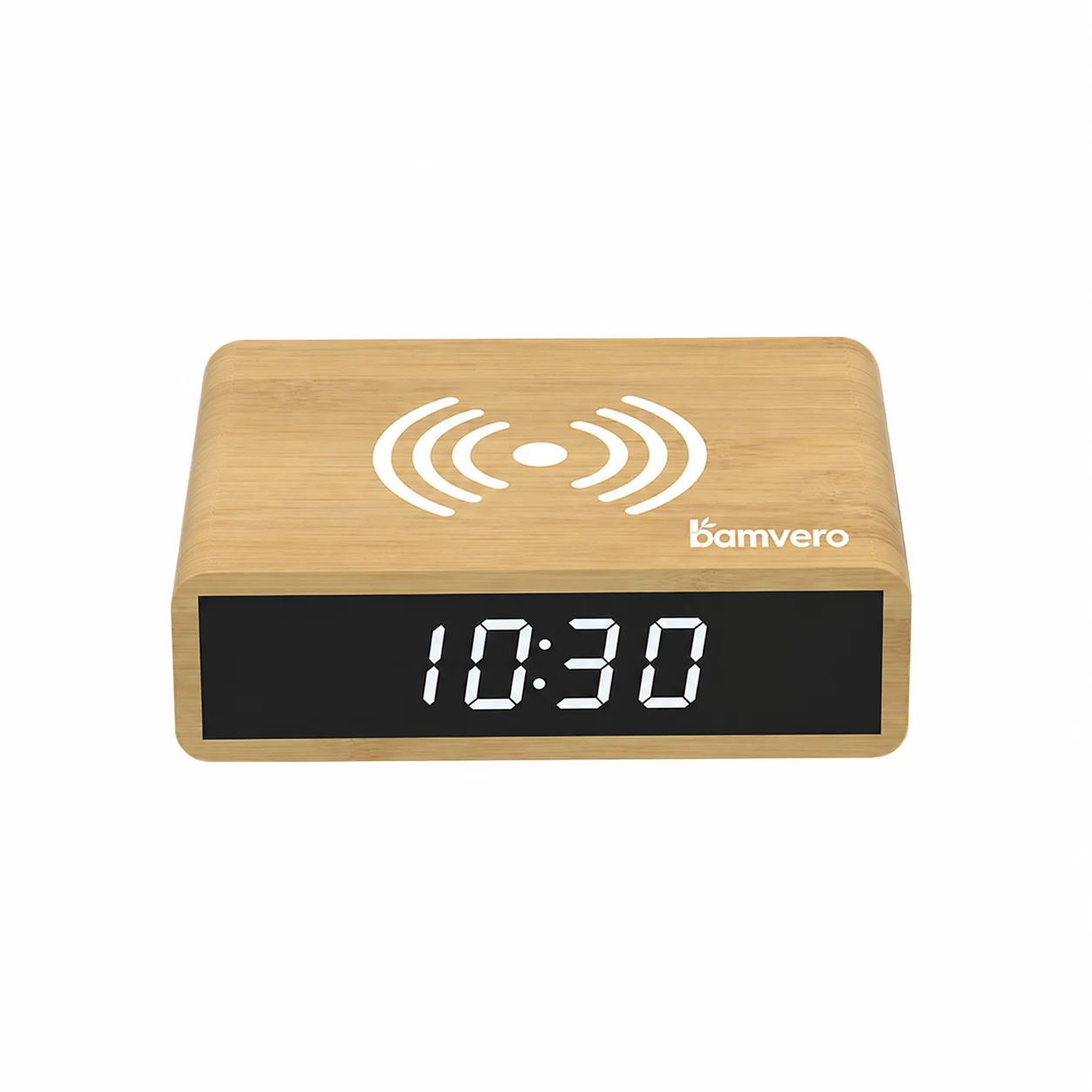
W106 is specified with 15W wireless charging, but an inspection still needs a written setup. Record the supplied power source, cable, representative phones and cases, placement method, test duration and the indication used to confirm charging on each tested device.
Do not turn one passing phone into a universal compatibility claim. If a target market or buyer program uses a defined device list, test that list and note any position, case thickness or power-accessory limitation that affects instructions, packaging or customer support; keep results from the W102 charging clock separate.
Verify the Display and Side Knob
Check the LED time and temperature display from the intended viewing distance and under normal room lighting. Review segment completeness, readability, time setting, temperature display and any behavior that the approved sample and manual describe.
Turn and press the side metal knob only according to the confirmed W106 instructions. The inspector should record loose fit, inconsistent response or unclear operation separately, because a cosmetic knob issue and an electronic control issue may need different corrective actions.
Match Branding to the Physical Product
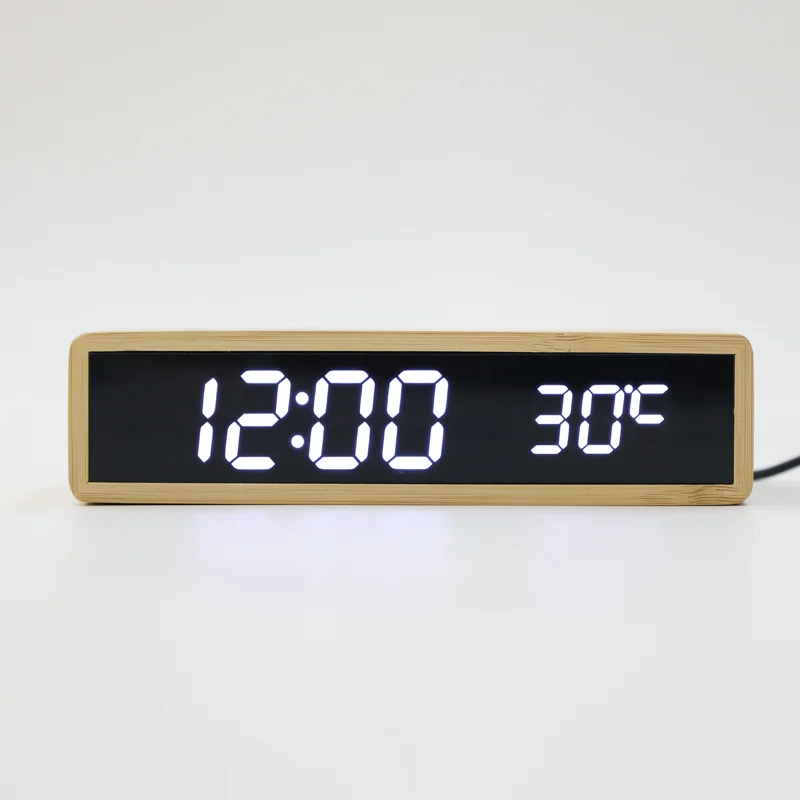
Compare logo method, size, location, color and orientation with the final artwork proof. A logo that is technically present can still fail approval if it is off-center, too close to the display or charging mark, or inconsistent across the inspected units.
Use the controls in the product image checklist to make sure the inspection photos show the actual W106 version. Do not use a related charging clock image in the report simply because the front shape looks similar.
Check Accessories, Manual and Retail Pack
Open finished units and verify the quoted cable, power accessory if included, manual, protective materials and product labels. The included-parts list on the box and in the manual should match what is physically packed, with no accessory implied by an image but omitted from the carton.
Inspect the pack for movement, rubbing and pressure around the bamboo surface, front display, metal knob and feet. If the buyer requires a transport test or a specific carton standard, define the method and pass criteria separately instead of claiming that visual inspection proves shipping performance.
Keep Evidence Tied to Each Finding
A useful report identifies the carton, unit, defect location, severity and photo for every finding. General comments such as “finish not good” are hard to correct; a close image and a reference to the approved boundary give the factory a clearer action.
If rework is required, record what will be corrected, who will verify it and whether a focused reinspection or a broader check is needed. The shipment decision should be based on the agreed evidence, not on an undocumented promise that the issue was handled.
Release the Order With a Clear Record
Before release, connect the final quantity, inspection result, approved deviations, rework evidence and shipping marks to the same order. Store the report with the golden sample record so a repeat order can start from the latest accepted W106 configuration.
For an inspection-ready quotation, send these details through the Bamvero inquiry page: W106 model, destination market, quantity, approved charging setup, device list, logo files, packaging scope, accessories, inspection standard and planned ship date. This lets the inspection plan reflect the real order rather than a generic clock checklist.
Build the specification before comparing the final price.
Align the target channel, product functions, destination market, branding and packaging route before approving a sample or bulk quotation.