
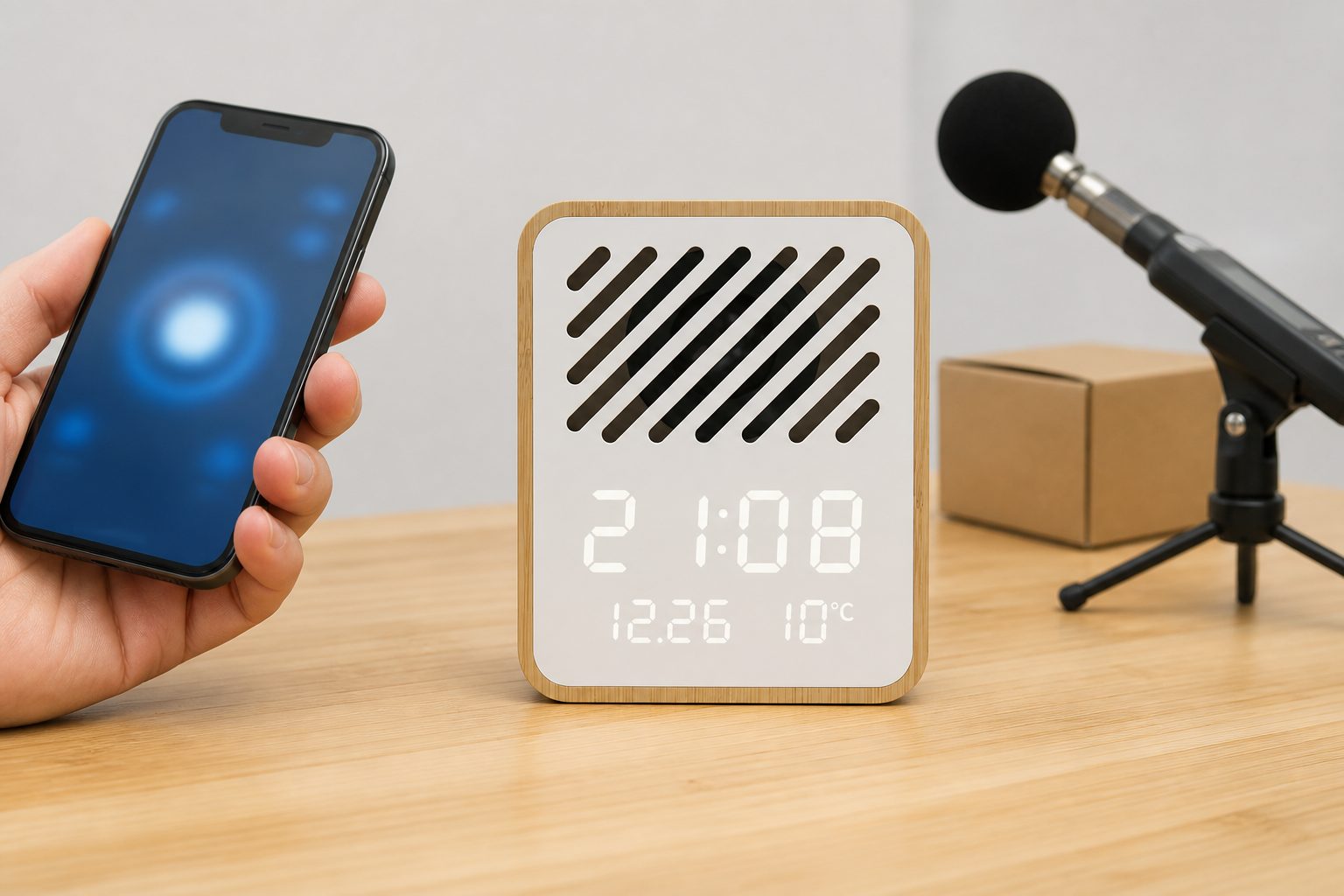
Y130-1 Bluetooth Speaker Alarm Clock OEM: Pairing and Audio Approval
Approve the exact Y130-1 across pairing, audio playback, LED information, rear controls, alarm workflow, branding, artwork and the finished retail pack.
Lock the Exact Y130-1 Product Identity
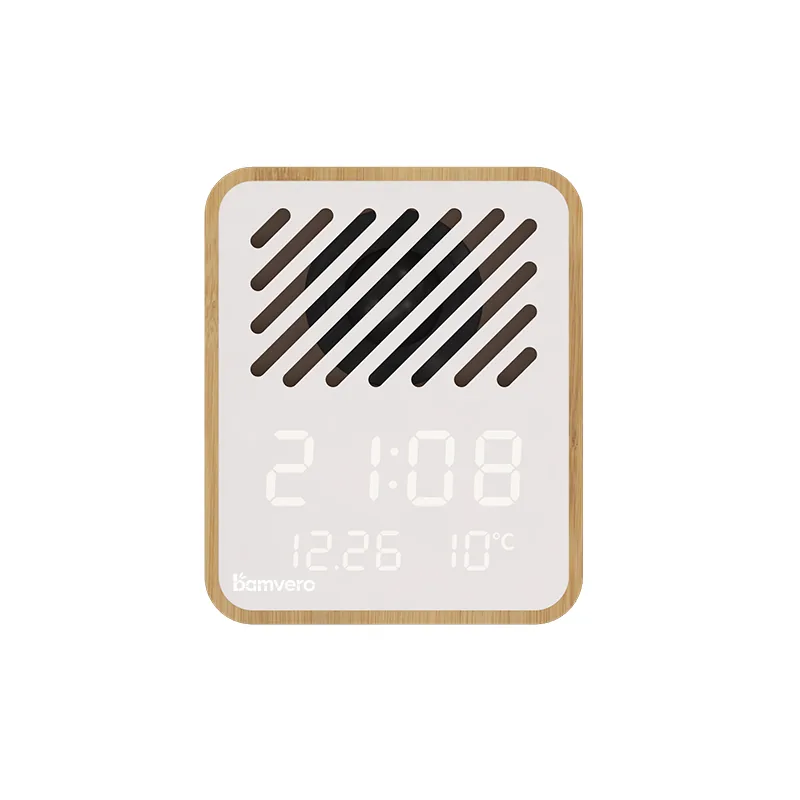
A Y130-1 Bluetooth speaker alarm clock OEM project should begin with a model-specific image and specification sheet. The diagonal speaker grille, upright body and LED information area make this product visually different from other Y130 models and from horizontal bamboo speaker clocks.
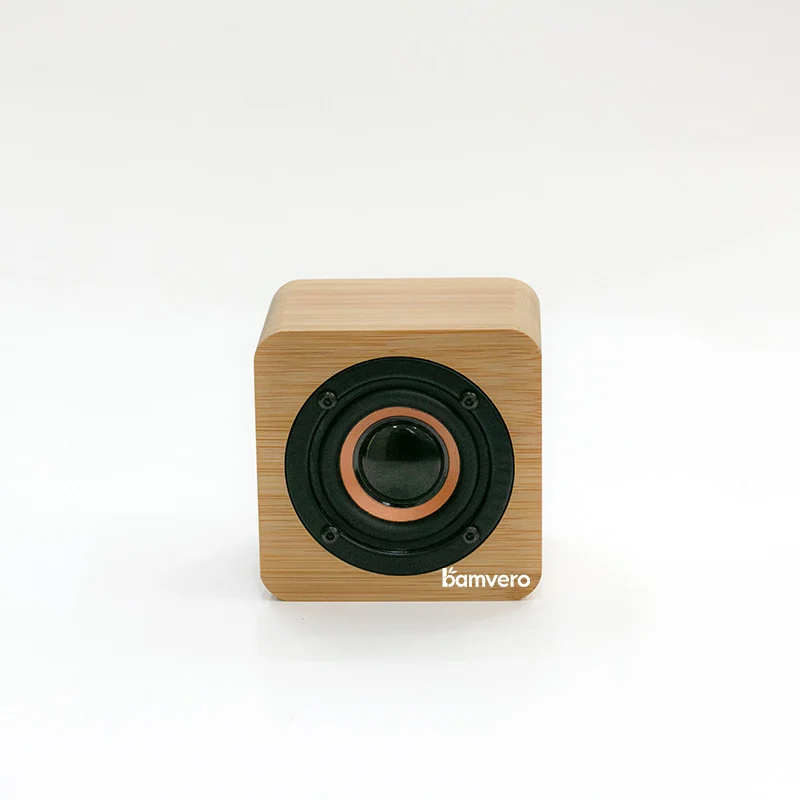
Use the Y130-1 bamboo Bluetooth speaker alarm clock as the controlled reference. Keep its 115 × 65 × 95 mm size, bamboo-style housing, Bluetooth speaker, rear controls and time, date and temperature display tied to the same sample revision.
Test Pairing as a First-Time User
Pair the sample with representative phones used in the destination market and record the operating-system version, test distance and result. The goal is to confirm the supplied sample under known conditions, not to make a universal compatibility promise.
Ask a person who has not memorized the steps to connect, disconnect and reconnect. Use the approved product name and sequence in the manual, and make sure the instructions do not accidentally show another speaker-clock model.
Evaluate Audio Under Consistent Conditions
Play the same short, non-copyrighted test track through every sample at the same source volume and distance. Listen for clear output, unwanted vibration and large differences between units, then record the test setup with the approved sample.
Do not turn a simple listening check into an unsupported laboratory claim. If sound-pressure, frequency-response or endurance figures are required, agree on a defined test method, equipment and acceptance limit before quotation.
Verify Every LED Information Field
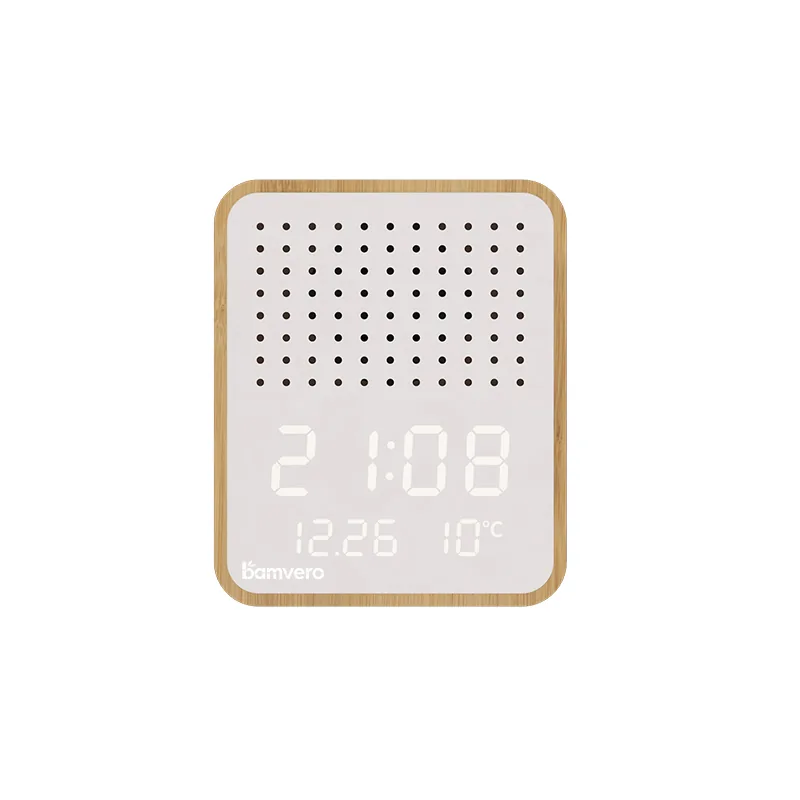
The product page identifies time, date and temperature on the LED display. Confirm each field, required time format and temperature unit on the sample, then review visibility from a normal desk or bedside viewing distance.
Keep screen photographs tied to the exact Y130-1 face. The Y130-2 Bluetooth speaker alarm clock has a different visual arrangement and should not be used as a substitute image in Y130-1 packaging or sales material.
Check Rear Controls and Alarm Workflow
Ask a new user to set the clock and alarm using the rear controls, then return the product to its normal state. Record button names, sequence and any point where the proposed quick-start card is unclear.
Repeat the workflow after pairing and audio playback to make sure the operating instructions cover the complete product rather than treating the clock and speaker as unrelated features. Any hardware revision should trigger a manual check before production.
Separate Y130 Series Artwork
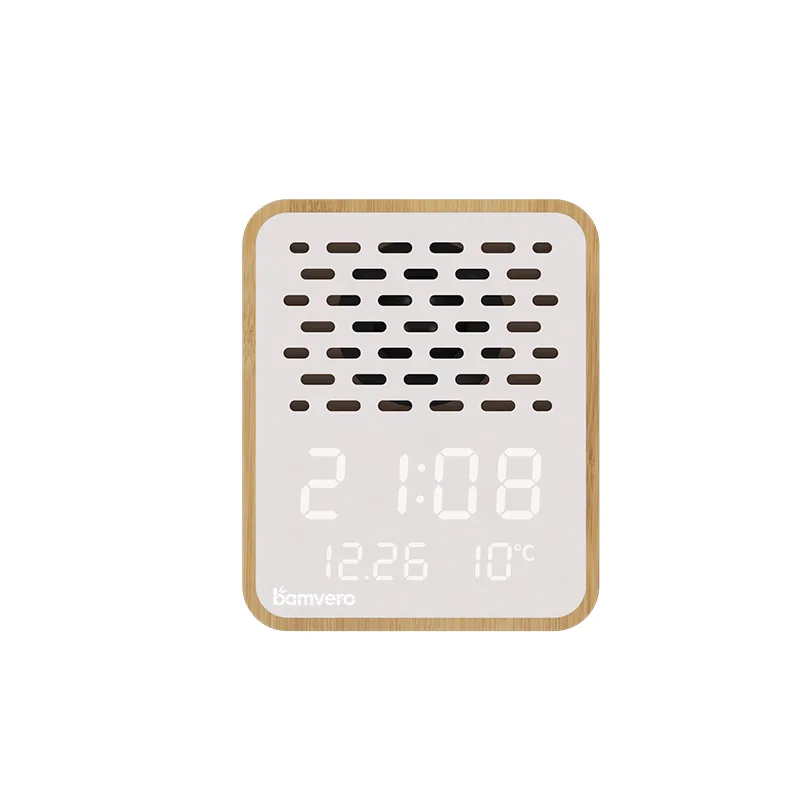
Similar model names create avoidable asset errors. Store the Y130-1 front image, rear image, logo proof, manual and packaging artwork in a model-specific folder, and put the model number on every approval PDF.
When comparing the Y130-3 speaker alarm clock, use side-by-side product names and verified images. Never reuse a file only because the filename contains “speaker clock” or the body color looks similar.
Approve Branding Around the Speaker Grille
The front face combines a diagonal speaker area, LED information and bamboo-style edge. Review logo position on a physical sample so the mark does not crowd the grille, cover the display or make the front composition unbalanced.
Follow the same artwork-control principles used in the speaker clock logo and packaging guide. Approve logo size, method, color, position tolerance and the exact artwork version together.
Validate the Complete Retail Pack
Pack the real product with the approved accessories and manual, then check protection around the front face, edges and rear controls. Accessories should not move against the display or speaker grille during transport.
The box, inner insert, barcode label and manual must all name Y130-1. Scan each final asset for unrelated product photos before mass printing, especially when several Y130 models are quoted in one project.
Send a Model-Specific OEM Inquiry
Include the Y130-1 model, destination market, expected quantity, pairing test devices, logo file, packaging language, required accessories and sample deadline in the inquiry.
Ask the supplier to connect the approved product, functional test record, artwork and finished pack to one revision. That creates a clearer production reference than a general request for a bamboo Bluetooth speaker clock.
Build the specification before comparing the final price.
Align the target channel, product functions, destination market, branding and packaging route before approving a sample or bulk quotation.